
How independent luxury travel advisors can use AI to scale client communication without losing the personal touch
Independent luxury travel advisors can let AI draft the routine work: inquiry replies, intake summaries, day-by-day outlines, supplier comparisons, and pre-departure reminders. The personal touch survives because the rule is fixed. AI drafts, the advisor decides and sends. The judgment clients pay for, which suite, which general manager, which hidden gem is a trap, stays human.
Your clients are already using AI to research trips. They still call you because you know which suite faces the water, which general manager will fix a problem at midnight, and which "hidden gem" is a tourist trap. AI can't replace that. What it can do is take the first draft of almost everything else off your desk: the inquiry reply, the intake summary, the day-by-day outline, the supplier comparison, the pre-departure reminders.
The rule that keeps the service luxury-grade is simple. AI drafts. You decide and you send.
What has changed for advisors?
Three things happened at once.
Clients arrive pre-researched. Longwoods International (opens in a new tab) reports that among travelers who used AI, the top uses were finding attractions and activities and getting destination inspiration. Your first conversation now starts further down the road.
Confidence drops close to booking. IMG's 2026 Travel Outlook Survey (opens in a new tab) noted that AI is valuable in the discovery phase but confidence shifts as travelers get closer to booking, and that 41 percent of respondents use an advisor for at least some trips. People want a human to stand behind the decision.
Your peers are already using it. Travel Market Report's coverage of TRAVELSAVERS Canada (opens in a new tab) found generative AI use among its advisors went from 20 to 50 percent in a year. Coverage of Virtuoso's network survey (opens in a new tab) points the same direction for luxury advisors.
The advisor who answers a new inquiry in ten minutes with a thoughtful, specific reply wins more often than the one who answers tomorrow. AI is how a solo advisor answers in ten minutes.
Where does AI help, and where does it hurt?
| AI drafts | You own |
|---|---|
| First reply to a new inquiry | The relationship and tone |
| Summary of a discovery call | Reading what the client did not say |
| Day-by-day itinerary outline | Property and room selection |
| Side-by-side supplier comparison | Calling in favors and amenities |
| Pre-departure and welcome-home notes | Anything involving a problem or a complaint |
| Proposal formatting | Pricing, terms, and the final send |
The failure mode is obvious once you see it: a generic, confident, slightly wrong message sent under your name. Luxury clients forgive a short reply. They don't forgive a careless one.
What does an agentic workflow look like for a solo advisor?
"Agentic" just means the AI completes a multi-step task and hands you a result to approve, instead of answering one question at a time. Here are five you can run with tools you likely already have.
1. Inquiry response. A website form or email arrives. The workflow reads it, checks your CRM for history, drafts a reply in your voice that reflects what they asked for, proposes three call times from your calendar, and puts the draft in your inbox. You edit and send.
2. Intake summary. After the discovery call, your notes or transcript become a structured brief: travelers, dates, budget range, pace, must-haves, deal-breakers, celebrations, mobility or dietary needs. It goes into the client record so you never ask twice.
3. Itinerary first draft. From the brief plus your own preferred-partner list and past trips, the AI produces a day-by-day outline with open questions flagged. The key input is your knowledge base. Without it, you get the internet's average trip.
4. Supplier comparison. Three properties, same dates: location, room categories, consortium amenities, cancellation terms, and what you personally know about each. The AI builds the table. You add the judgment.
5. Trip-lifecycle messages. Deposit reminders, document requests, a week-before note with weather and packing, a welcome-home message, and a nudge at the anniversary of the trip. Drafted automatically, sent after a glance.
How do you keep it personal?
Build a constraint layer once and feed it to every workflow. I covered the idea in A creative system beats a content calendar. For an advisor it has four parts:
- Voice rules. How you open, how you sign off, words you never use, how formal you are with new versus long-time clients.
- A client profile for each household. Preferences, past trips, the anniversary date, the pillow type.
- An approved-facts file. Your preferred partners, amenities you can actually offer, your fee schedule, your terms.
- Hard limits. Never quote a price the supplier has not confirmed. Never state visa, entry, or health requirements without a current official source. Never promise an upgrade.
And one privacy rule: don't paste passport numbers, payment details, or sensitive personal information into a consumer chat tool. Use business accounts with clear data terms, and tell clients how you use AI.
What tools do you need?
Less than you think:
- A CRM or even a well-structured spreadsheet for client records.
- A form on your website that captures the right intake details.
- A business-grade AI assistant with access to your knowledge base.
- A connector such as Zapier to move information between them.
- A website that makes you easy to find and easy to contact.
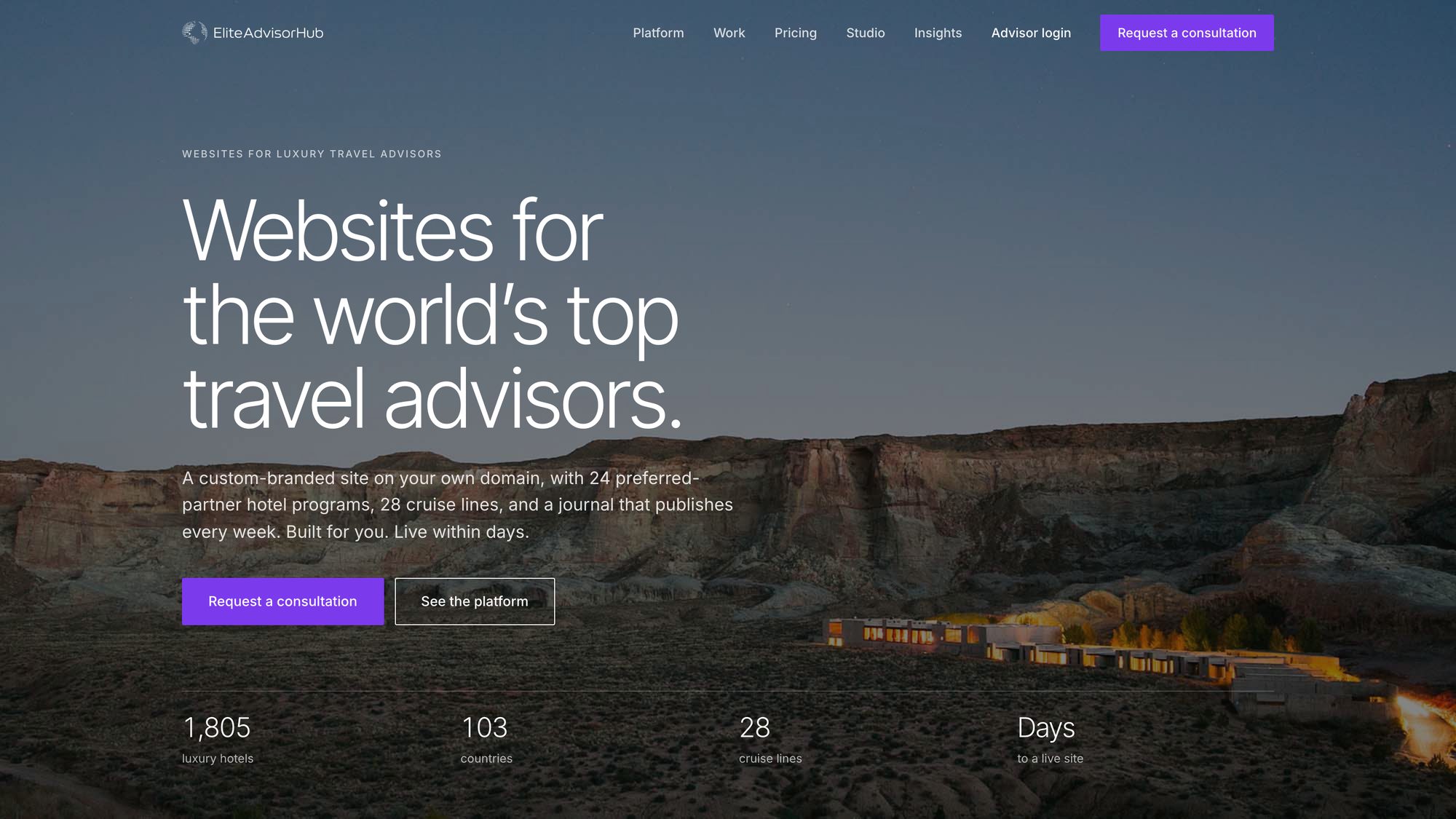
On that last point, I built Elite Advisor Hub (opens in a new tab) for exactly this audience. It gives luxury advisors a branded site on their own domain with a lead inbox, an advisor portal, a journal, and a catalog of preferred-partner hotel programs and cruise lines, with SEO and structured data handled. Inquiries land in one place, which is where the workflows above begin.
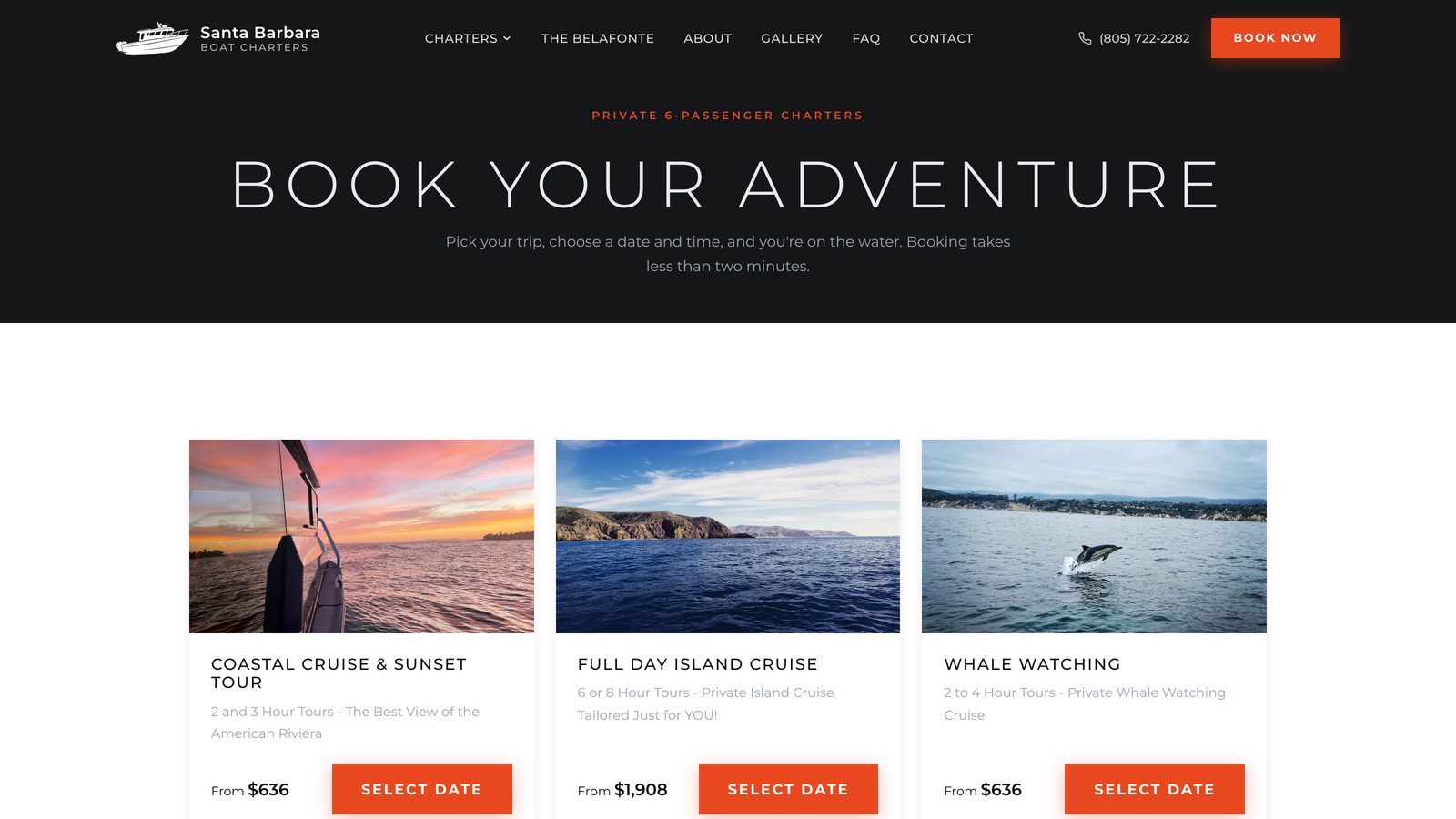
The same pattern of "AI does the gathering, a human sets the standard" is how I built SurfForecaster (opens in a new tab), which turns raw buoy and weather data into readable surf reports, and the booking flow at SB Boat Charters (opens in a new tab), where the software handles availability and payment so the captain can spend his time with guests.
A 30-day rollout
- Week 1. Write your voice rules and approved-facts file. Pick one workflow, inquiry response.
- Week 2. Run it by hand on every new inquiry. Edit the drafts and note what you keep changing.
- Week 3. Feed those corrections back into the instructions. Add the intake summary.
- Week 4. Add itinerary first drafts for one destination you know cold. Measure response time and hours saved.
Automate only after the manual version produces drafts you would send with light edits.
How do you make sure AI recommends you?
There is a second side to this. When a traveler asks an assistant for "a luxury travel advisor who specializes in Italy," the assistant needs to be able to read who you are. That means a site with clear specialties, destinations, credentials, and published expertise in real text, plus consistent profiles elsewhere. This is the SEO, AEO, and GEO side of the work, and it compounds with everything above.
Where to start
Time your next five inquiry replies. If the average is over two hours, start with workflow one. If you want help setting up the system or the site behind it, request a quote here.
Sources
- Longwoods International, American Travel Sentiment Wave 109 (July 2026) (opens in a new tab)
- IMG 2026 Travel Outlook Survey (opens in a new tab)
- Travel Market Report, TRAVELSAVERS Canada 2026 Outlook (opens in a new tab)
- Live and Let's Fly on Virtuoso's January 2026 Network Pulse Survey (opens in a new tab)
Common questions
Will clients mind that I use AI?
Most care about speed, accuracy, and being known. Be open about it, keep a human approval on every message, and never let AI handle a problem or a complaint.
Can AI build a full luxury itinerary?
It can build a solid outline. It can't verify current conditions, confirm availability, or know which room to request. Treat the output as a draft that needs your knowledge.
What should never be automated?
Pricing commitments, entry and health requirements, apologies, and anything during a disruption. Those are the moments clients pay for you.
Is my client data safe in AI tools?
It depends on the tool and plan. Use business accounts with clear data-handling terms and keep passport and payment details out of chat prompts.
How much time does this save?
It varies by practice. The fastest gains are in inquiry replies and call summaries. Measure your own before and after for a month.
Related posts

Editorial web design for boutique luxury hotels and travel brands: moving beyond template sites
Why restrained, editorial web design wins high-ticket bookings for boutique hotels and travel brands, and the choices that move guests to book direct.
Why your charter booking engine is losing bookings at checkout
Seven friction points that make guests abandon a charter or tour booking, what each one costs, and why a custom booking engine converts better.